Granular Synthesizer · VST3

Penumbra

Feed it any sound. Scatter it into thousands of grains. Sculpt lush pads, evolving textures, and impossible atmospheres — all in real time.

Live Grain Capture XY Pad Control Motion Recorder Waveform Display Pitch Quantizer Stereo Delay
PENUMBRA

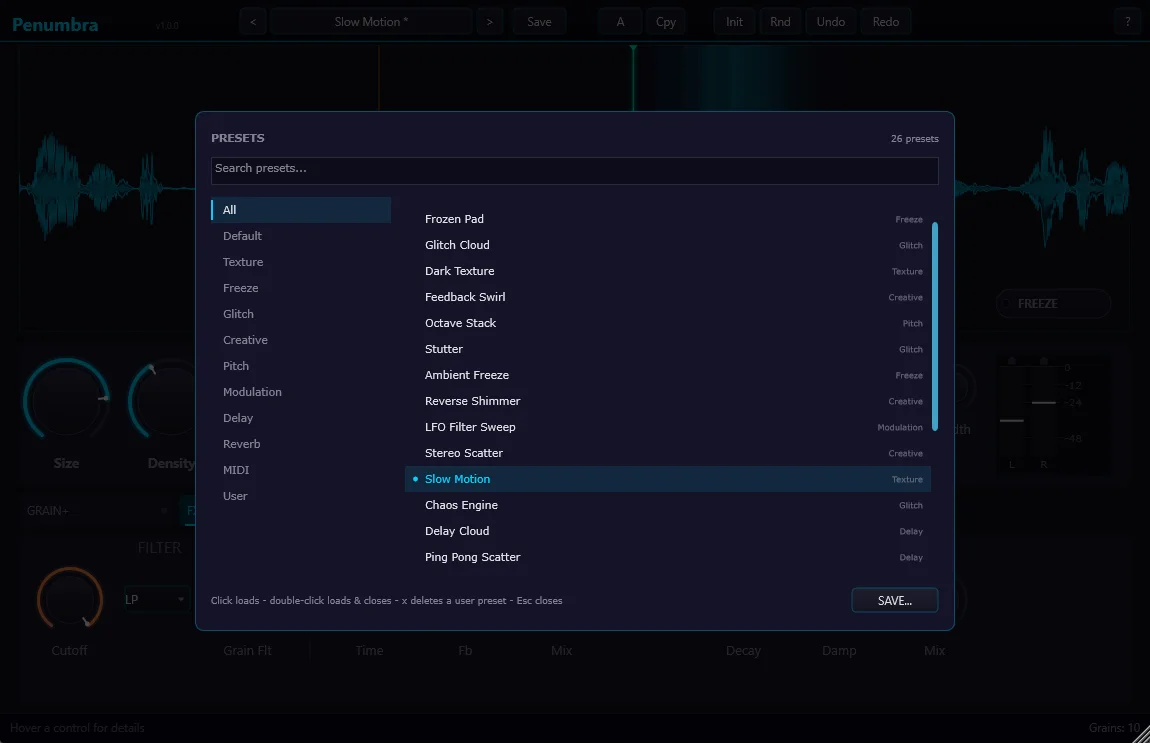
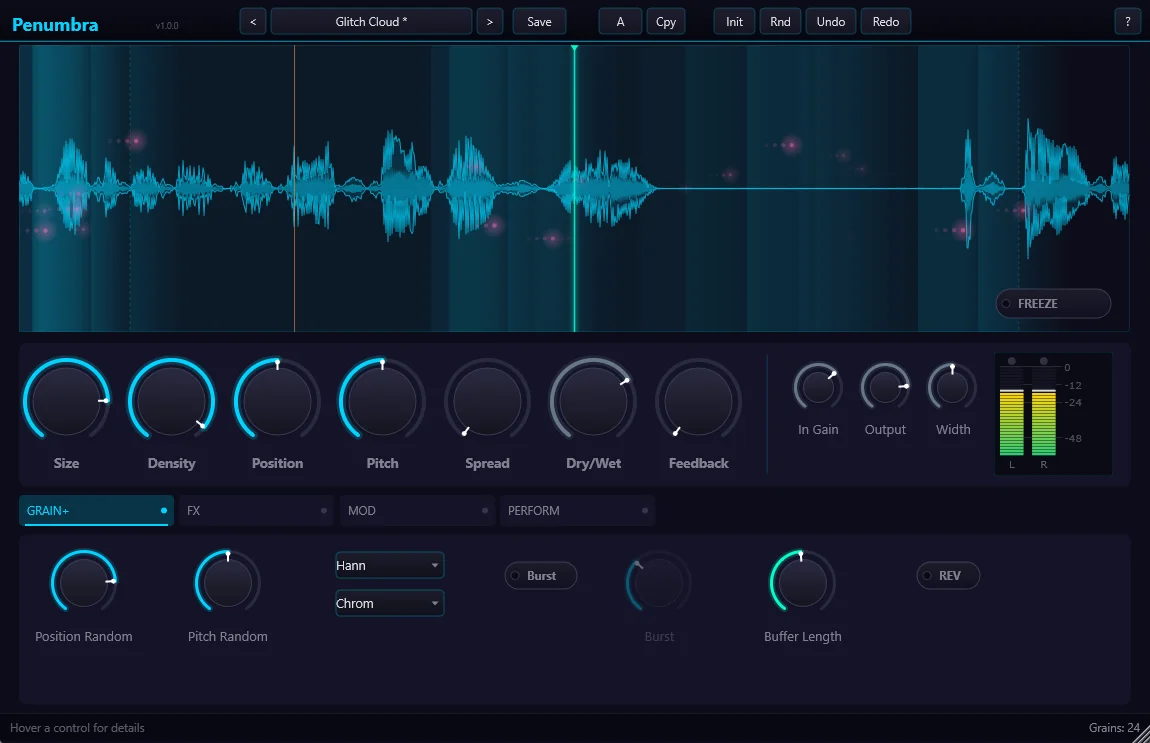
Plugin UI screenshot here

Replace with real screenshot

Hear It In Action

Toggle between dry (unprocessed) and wet (Penumbra) signals.

Pad from Vocals

Dense grain cloud from a sung note

0:00 / 0:00

Texture from Guitar

Ambient wash from a single strum

0:00 / 0:00

Reverse Grain Scatter

Reversed grains over a percussion loop

0:00 / 0:00

XY Pad Automation

Live XY movement recorded and played back

0:00 / 0:00

Everything You Need to Sculpt Grain

Live Grain Capture

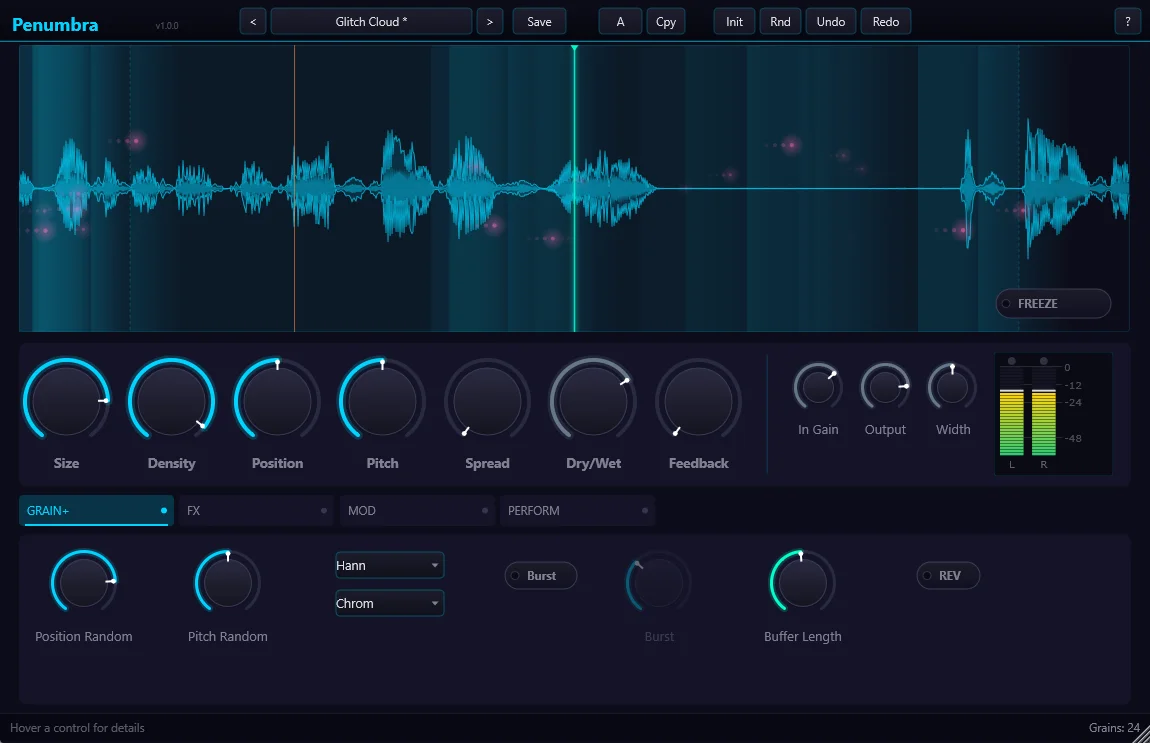
Continuously captures live input into a circular buffer. Grains draw from the live stream in real time — no pre-recorded samples needed.

XY Pad Control

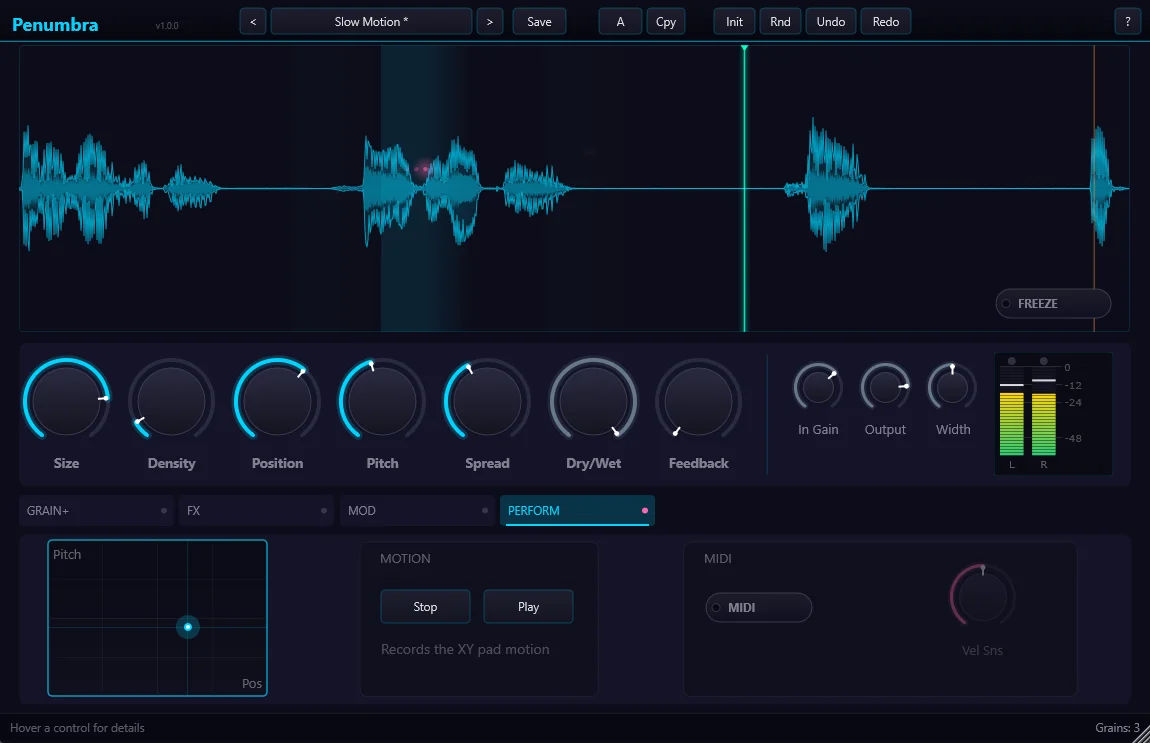
Expressive 2D control surface. X axis controls position/scatter, Y axis controls grain size and density. Touch-and-drag for live performance.

Motion Recorder

Record and loop your XY pad movements. Creates evolving, organic automations that loop in sync with your session.

Pitch Quantizer

Snap grain pitches to a musical scale. Produces melodic, tuned textures from any sound source — even noise or percussion.

Waveform Display

Real-time visualization of the capture buffer with active grain position indicators. See exactly where grains are reading from.

Stereo Delay + Reverb

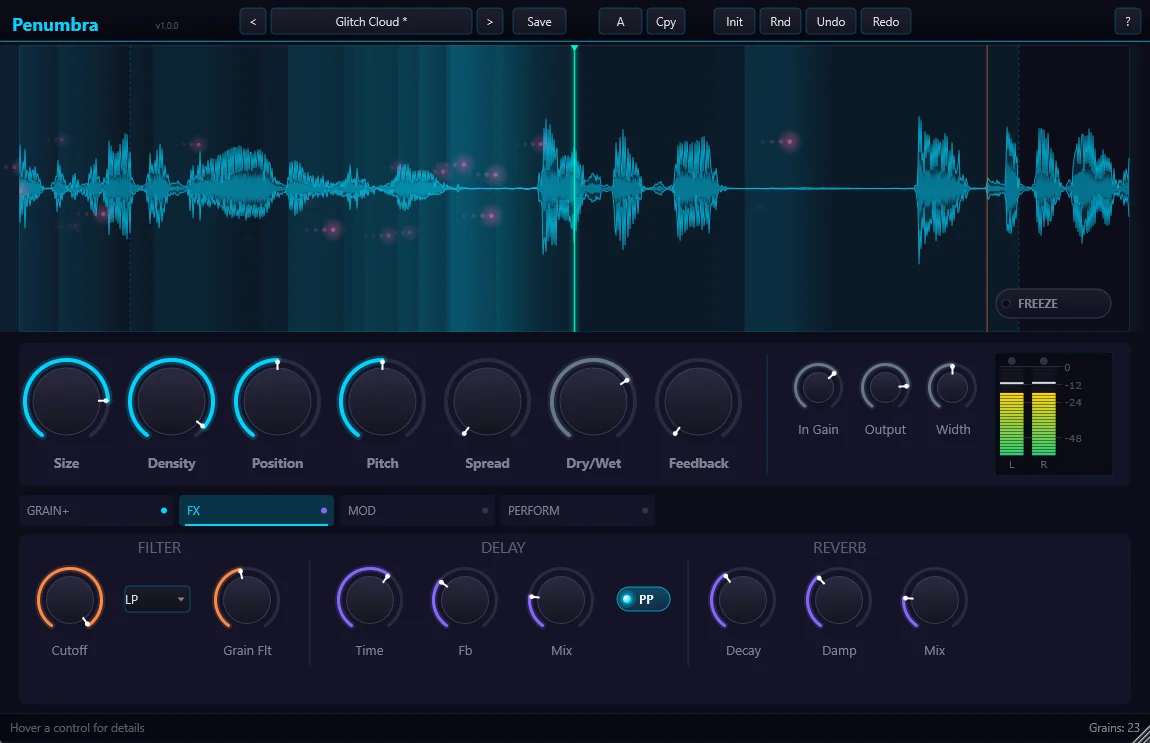
Built-in stereo delay and reverb tailored for granular textures. Spread grains through space without a separate FX chain.

Envelope Follower

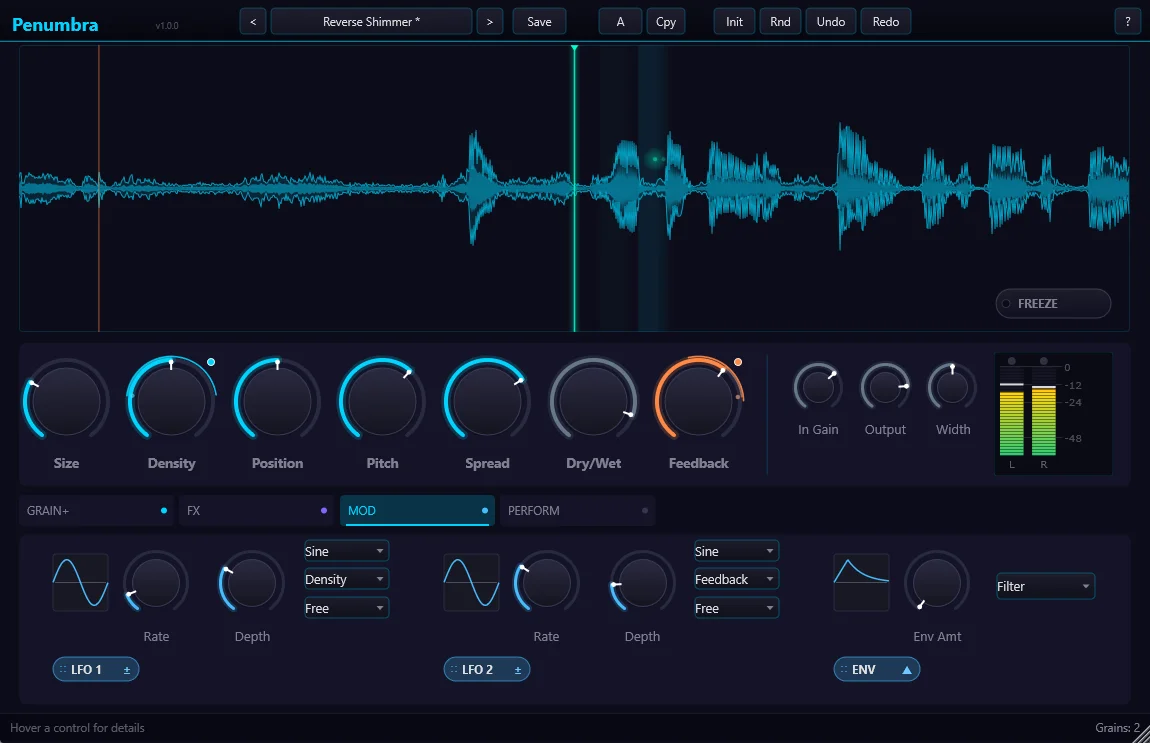
Modulate grain density, size, or pitch from the input dynamics. Quiet passages trigger sparse grains; loud passages trigger dense clouds.

Grain Scheduler

Pool-based grain scheduling with configurable polyphony. Smooth, glitch-free grain triggering even at maximum density.

Preset System

Factory presets from subtle shimmer to extreme texture. Full user save/load so you never lose a great sound.

€49 one-time purchase

+ VAT where applicable. LemonSqueezy handles EU VAT automatically at checkout.

  • Full license — no subscription
  • Free updates for the version you buy
  • Download link + license key by email
  • PDF manual included
  • 14-day refund policy
Buy Penumbra — €49

Secure checkout via LemonSqueezy · Card, PayPal, Apple/Google Pay

Plugin FormatVST3
OSWindows 10 / 11 (x64)
CPUIntel / AMD, SSE4.2+
RAM4 GB minimum, 8 GB recommended
Sample Rates44.1 / 48 / 88.2 / 96 kHz
Grain PolyphonyUp to 256 simultaneous grains
Buffer SizeUp to 30 seconds capture
ChannelsStereo
Plugin Size~12 MB
DAWs TestedReaper, Ableton, FL Studio, Cubase

macOS coming later

Penumbra currently ships for Windows only. A macOS build is planned for a future release.

Common Questions

Does Penumbra add latency? +

Penumbra introduces minimal latency from grain scheduling (typically under 10ms). Unlike STFT-based plugins, it does not require large block processing, so latency is low enough that PDC compensation is usually not needed.

Can I load my own samples? +

Penumbra is primarily a live-input granular processor — it captures the audio passing through it in real time. Sample file loading is planned for a future version.

How does the Motion Recorder work? +

Press Record, then move the XY pad freely. When you stop recording, the movement loops continuously at the length you recorded. The loop syncs to your DAW's transport so it stays in time.

Is there a free trial? +

Not currently. We offer a 14-day refund policy — purchase, try it in your projects, and if it's not the right fit, get a full refund within 14 days.

How do I install it? +

After purchase you'll receive a download link. Unzip and copy Penumbra.vst3 to C:\Program Files\Common Files\VST3\. Rescan in your DAW. Full guide at support.

Penumbra

€49 · one-time

Buy